 Join our mission to end e‑waste.
iPhone to iPhone: Quick Start
- Charge both phones and turn on Bluetooth and Wi-Fi on the old one.
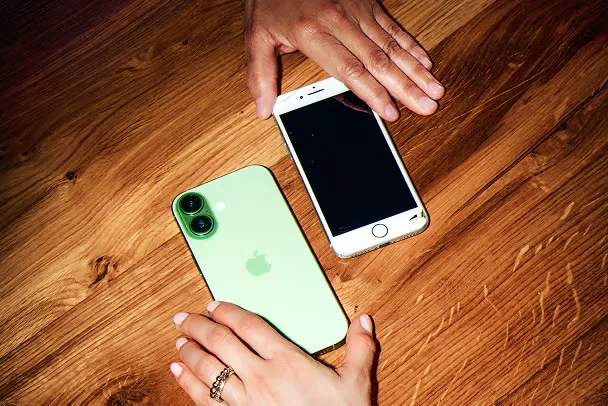
- Turn on the new iPhone and hold it near the old one.
- On the old iPhone, tap Continue when the Quick Start card appears, then scan the pattern on the new one.
- Enter your old passcode on the new phone, then choose Transfer from iPhone.
- Keep the phones close and plugged in until it finishes.
iPhone to iPhone: iCloud backup
- On the old iPhone: Settings > your name > iCloud > iCloud Backup > Back Up Now.
- On the new iPhone, during setup, choose From iCloud Backup and sign in.
- Pick the latest backup.
Not enough iCloud storage? Back up to a Mac (Finder) or PC (Apple Devices app) instead, then restore from it during setup.
Android to iPhone
Use Apple's Move to iOS app on the Android phone. On the new iPhone, choose From Android during setup and enter the code it shows. Contacts, messages, photos, mail and some apps come across.
After the transfer: sell the old phone
- Check your photos, messages and 2-factor apps work on the new phone.
- Turn off Find My on the old iPhone and erase it. See how to factory reset an iPhone.
- Get a cash quote for the old one. It is locked for 14 days, so there is no rush.
Frequently asked questions
How do I transfer everything to my new iPhone?
Use Quick Start: hold the new iPhone near the old one and choose Transfer from iPhone.
Can I transfer data without iCloud?
Yes. Use Quick Start directly between phones, or back up to a Mac or PC and restore from it.
How do I move from Android to iPhone?
Install Move to iOS on the Android phone and pick From Android while setting up the iPhone.
When should I wipe my old phone?
After you have checked everything is on the new one. Then turn off Find My and erase it.