 Join our mission to end e‑waste.
Why it matters
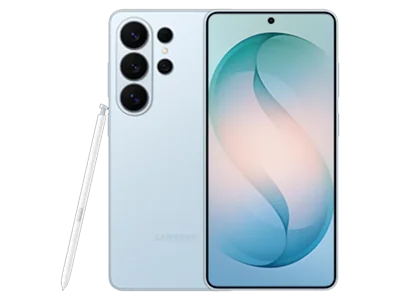
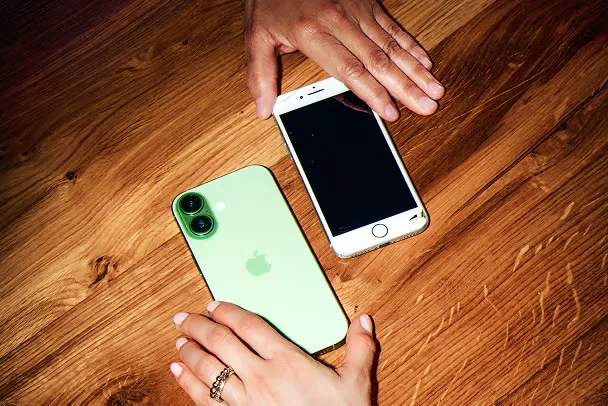
Many models look the same. Storage changes the price too. If you pick the wrong one, your offer changes after we check it. Take one minute to check.
iPhone
Go to Settings > General > About. Look at Model Name and Capacity (storage).
Samsung Galaxy
Go to Settings > About phone. You will see the model name. Storage is under Settings > Battery and device care > Storage, or Settings > Device care on some models.
Google Pixel
Go to Settings > About phone for the model. Storage is under Settings > Storage.
iPad
Go to Settings > General > About. You will see the model name and capacity. If there is a SIM tray on the side, it is a Cellular model.
MacBook
Click the Apple menu, then About This Mac. You will see the chip, the memory and the year. Storage is in System Settings > General > Storage.
Apple Watch
On your iPhone, open the Watch app, then General > About. You will see the model, case size and whether it has Cellular.
Device won't turn on?
Look for the model number on the box, or on the back of the device. Search that number to find the model. Pick Defective in the quote.
Then check your price
- iPhone price chart
- Samsung Galaxy prices
- Google Pixel prices
- iPad prices
- MacBook prices
- Apple Watch prices
Frequently asked questions
How do I find my iPhone model?
Go to Settings > General > About. Look at Model Name and Capacity.
How do I find my MacBook model?
Click the Apple menu, then About This Mac. You will see the chip, memory and year.
How do I know if my iPad is Cellular?
If it has a SIM tray on the side, it is a Cellular model.
What if I pick the wrong model?
We check every device. If it doesn't match, we send a new offer. You can say no and get it back free.